Logo/Title design feedback session
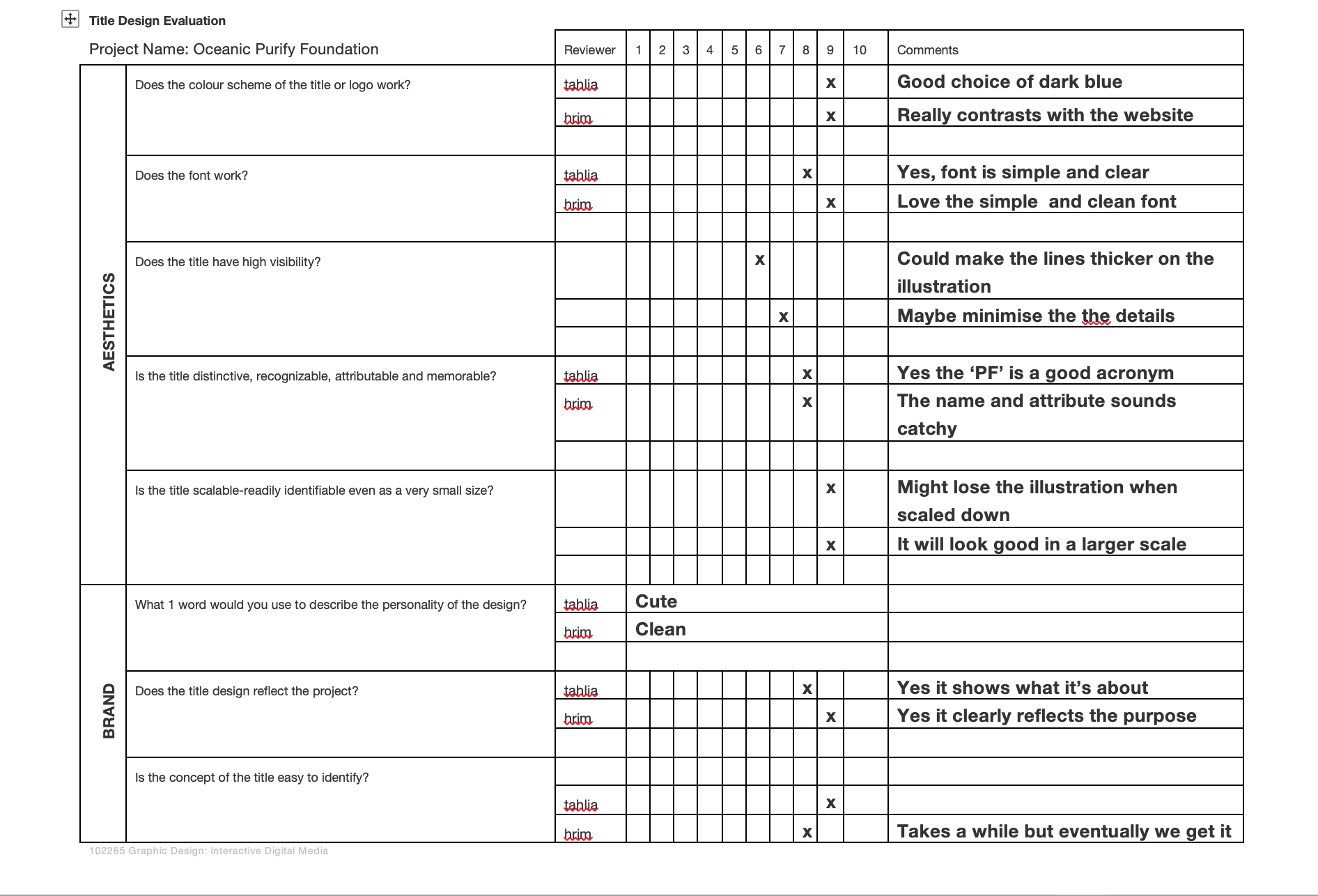
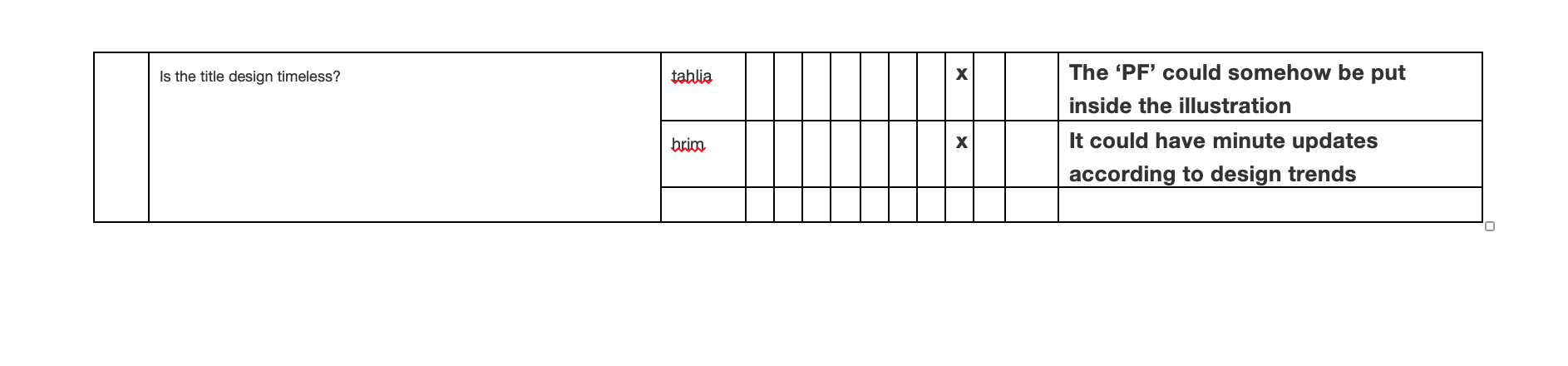
Refined after feedback

Further refinement after user testing on my prototype

To fully understand UX and UI patterns, they are an essential term in producing interactive products such as website and app. Both of them are crucial to a product and work closely together as one to visualise the presentation, senses and reaction.
It is the first design process for interactive products to enhance the customer’s experience when observing how they react to it. It aims to improve the usability and functionality provided in the interaction between the customer and the product. For example, researchers or designers in the UI/UX field relies on the element of creating:
In this stage, it means that your interactive product such as a website or app has been designed in term of look and feel. It also showcases the final presentation of the product and focuses on interactivity, responsiveness and efficient experience. Therefore, It allows for the user to gain an understanding of how your interactive product benefits daily lives and to help them seek content to complete their goals.
Example of my UI design
These are my final UI screen designs are for showcasing my intention of creating an informative website about ocean plastic pollution and how it tied to the arising event of climate change. I have also created my own branding in order to value the marine life in the ocean and the aims to deal with plastic pollution as an environmental community.
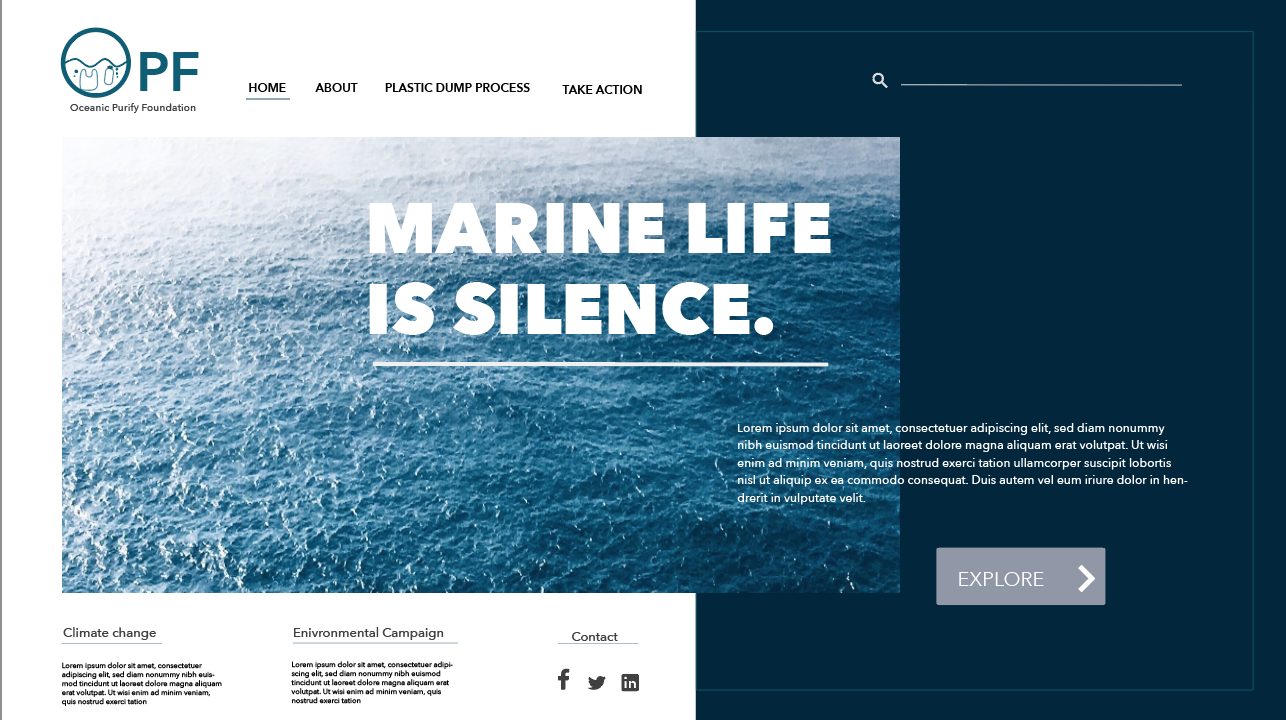
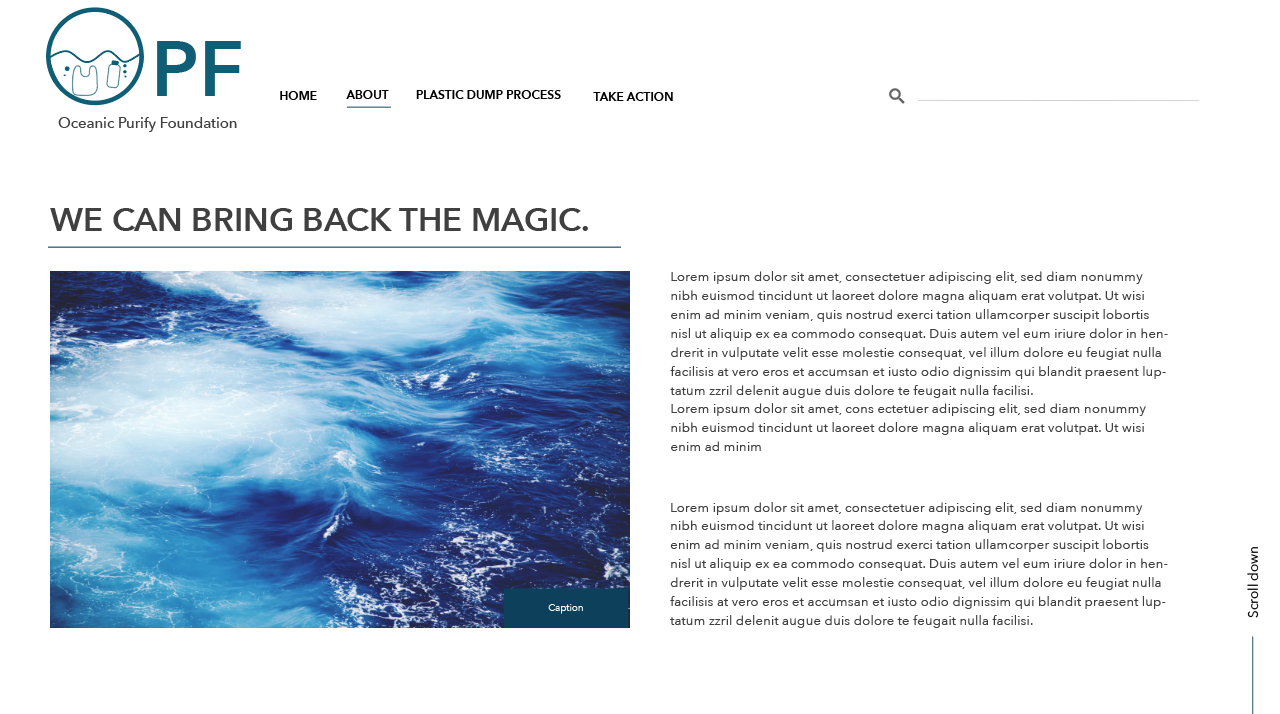
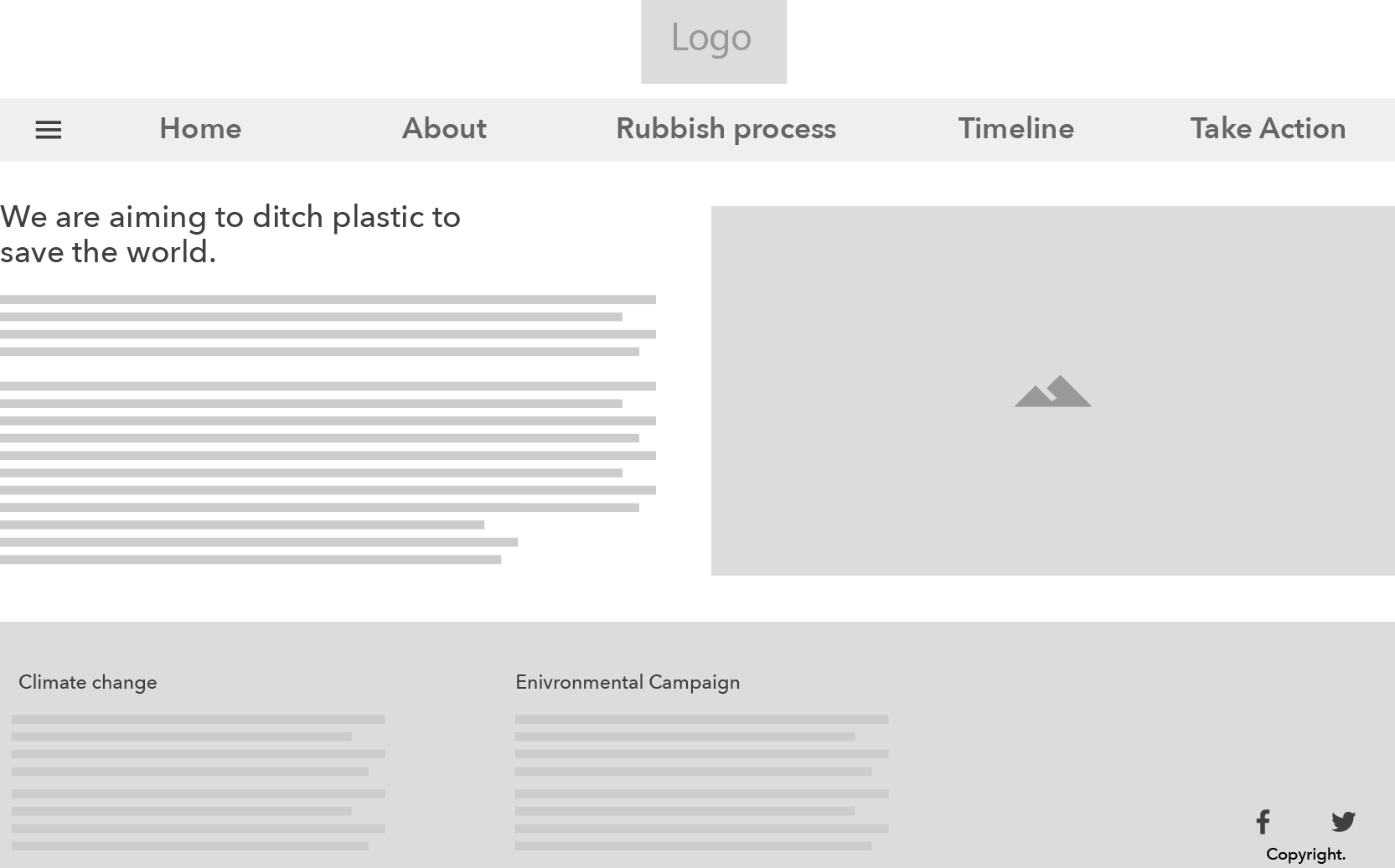
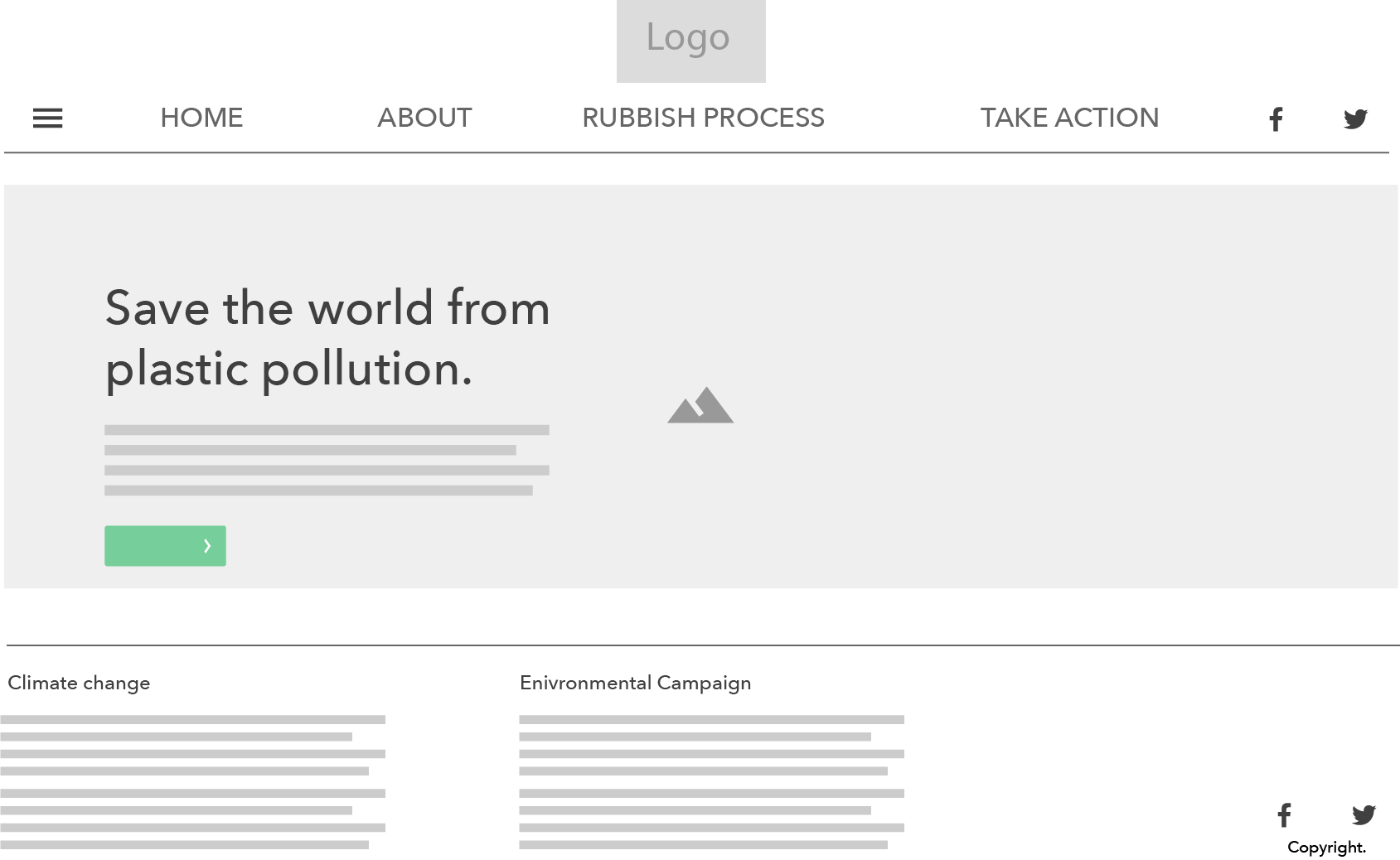
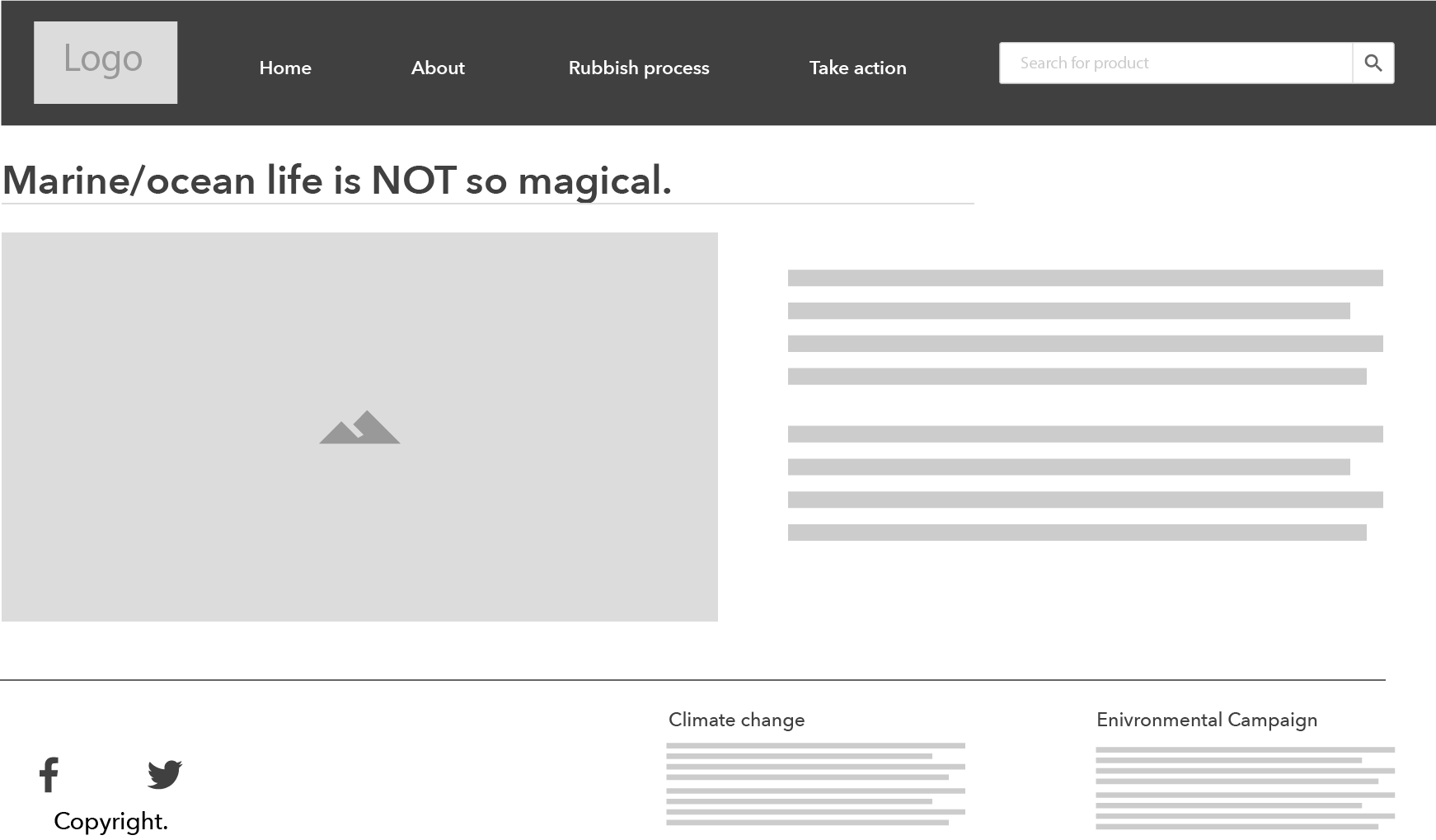
Task: Create 1 UI screen design with 3 alternative layouts
Down below are my three layouts for my interactive website that addresses the cause and effect of marine plastic pollution toward the world and tied to the future event of climate change.
User personas is the representative of your users that is vital to developing a interactive product. They will help you to describe the audiences who use your product and enable you to efficiently identify and communicate their needs.
The most important aspect of user personas
Before creating your own personas for your interactive products, it is crucial that you fully understand your target audience. The essential of creating your own personas is to identify:
To further expand the understanding and insight of your interactive products, it is useful to question the users based on:
Further questioning your users will give you more insight into how they approach your products so you can design a better experience to give them what they need.
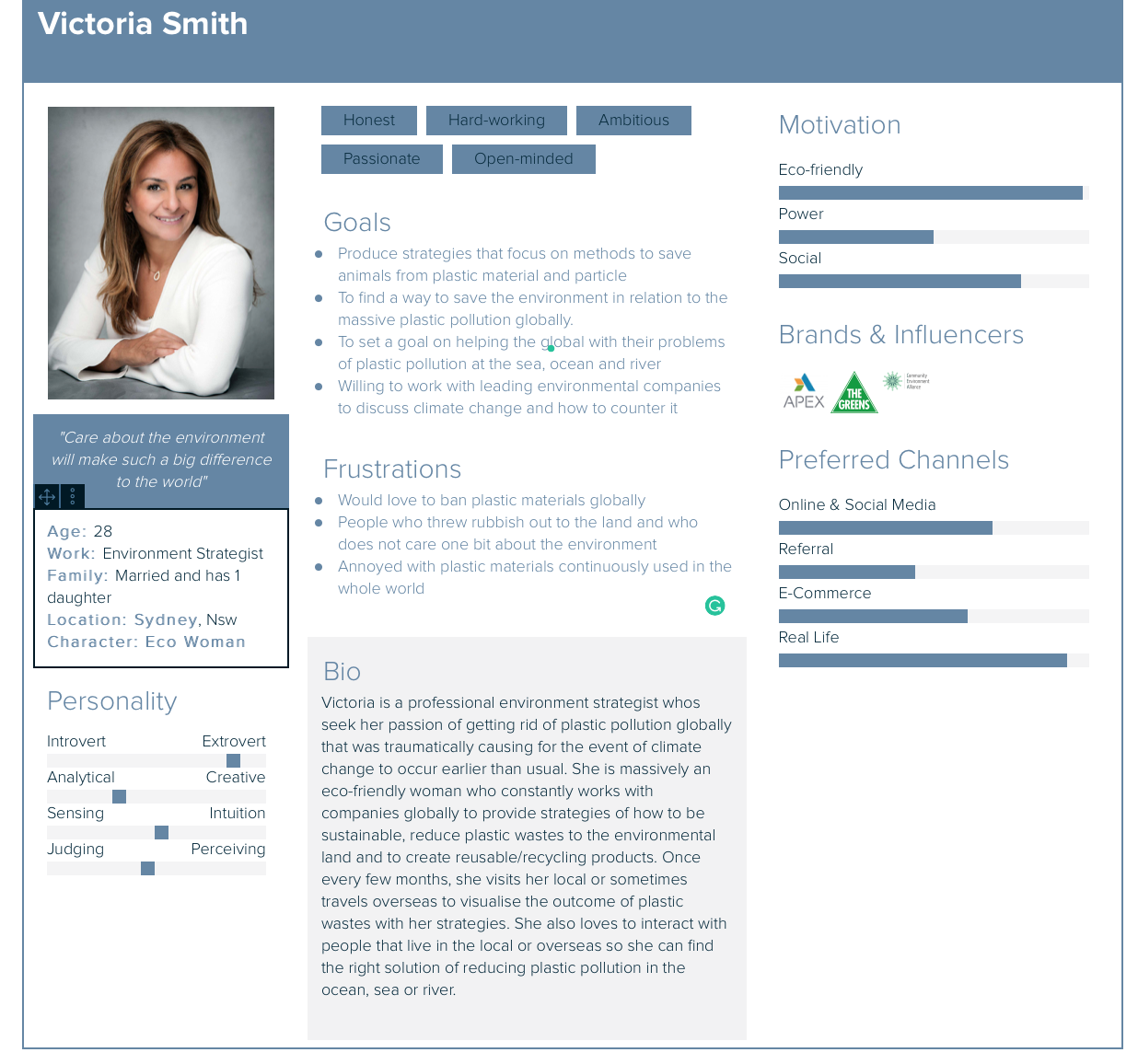
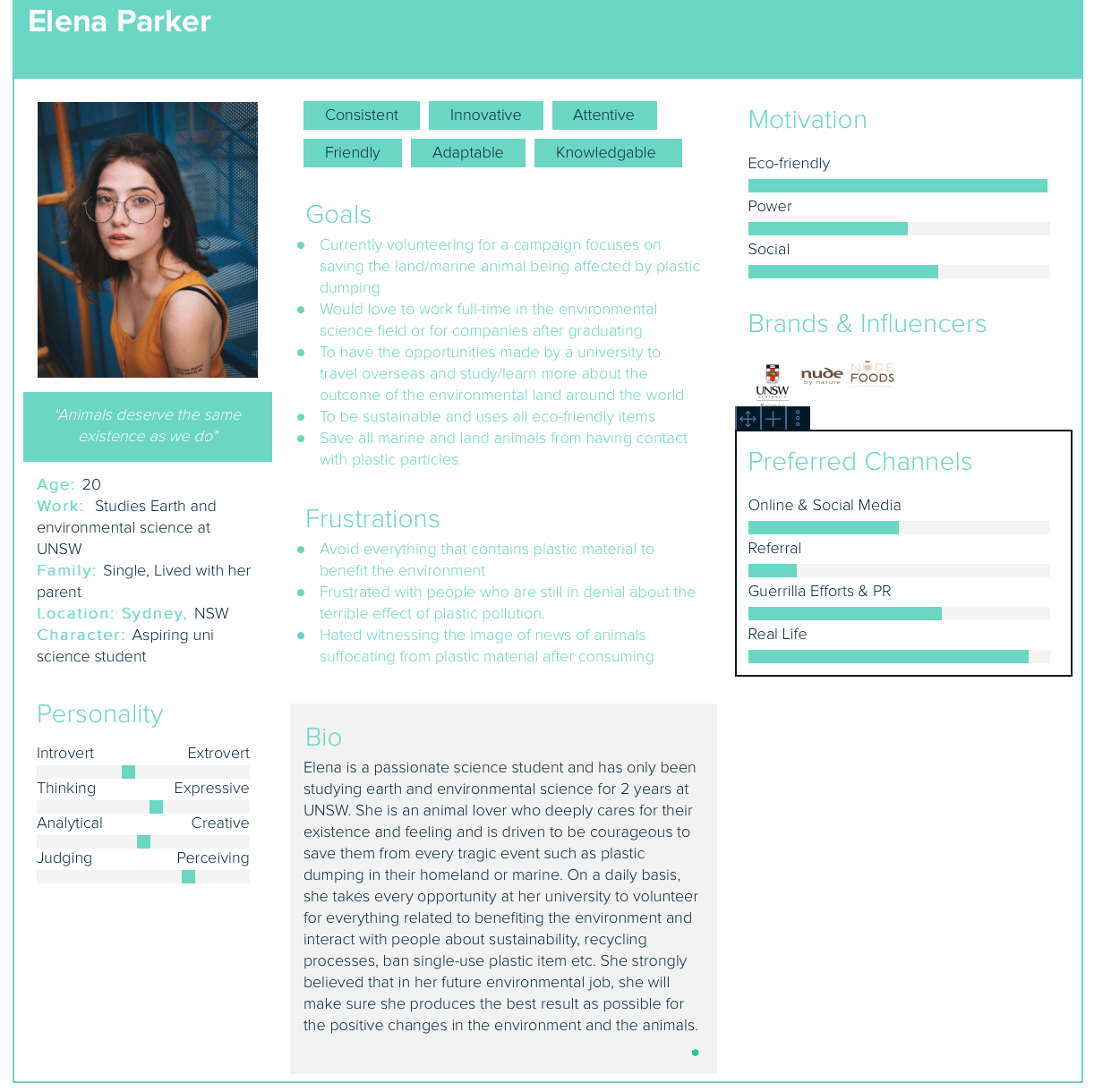
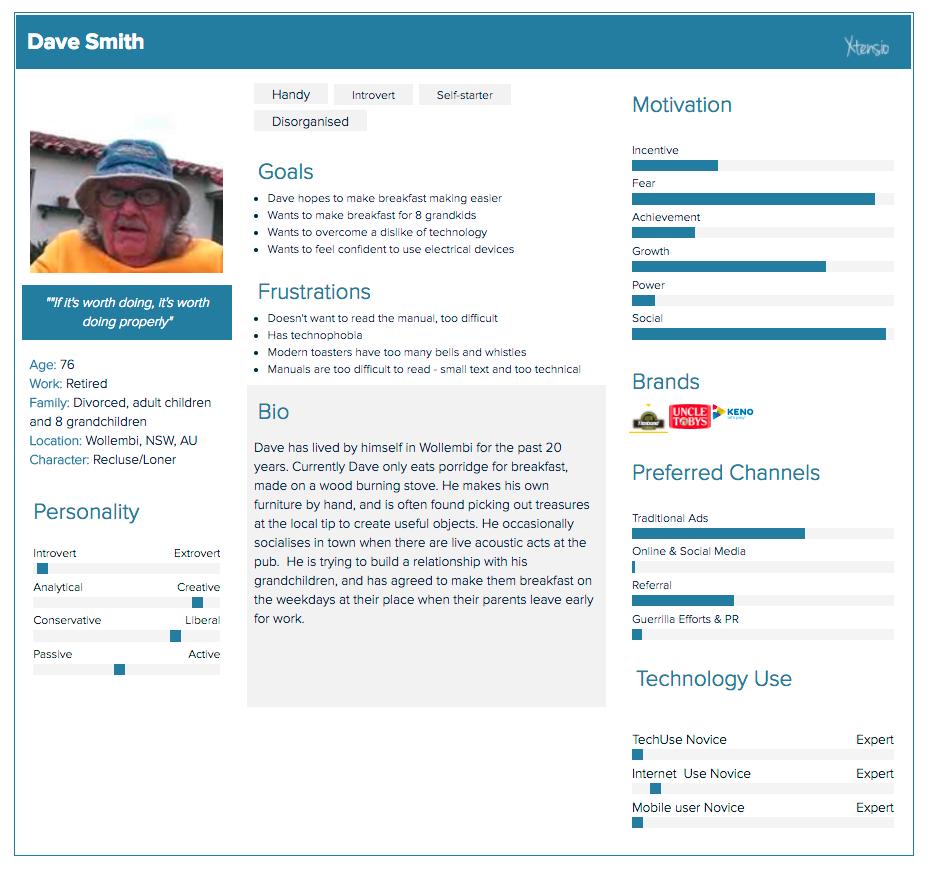
Dave Smith persona & moodboard
Firstly before getting started on the user persona for my project, completing this mini exercise has helped me to give me the quick insight of what is user persona and how/why is it important in the design process of developing an interactive product for the target audience.

Wireframes, UI design and visual design overview
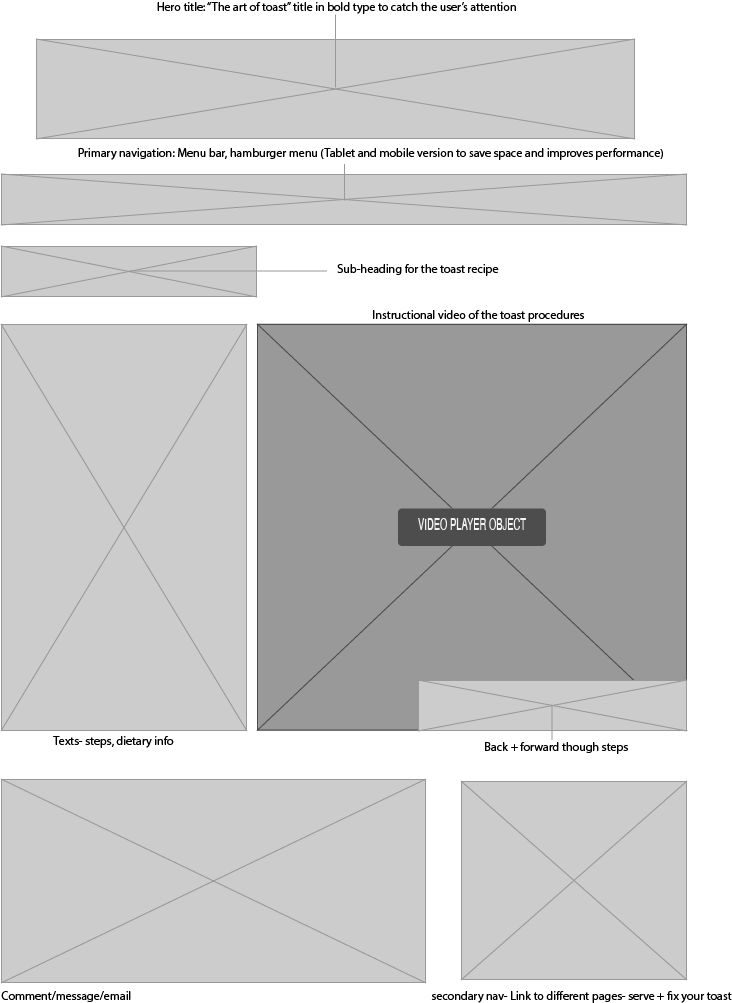
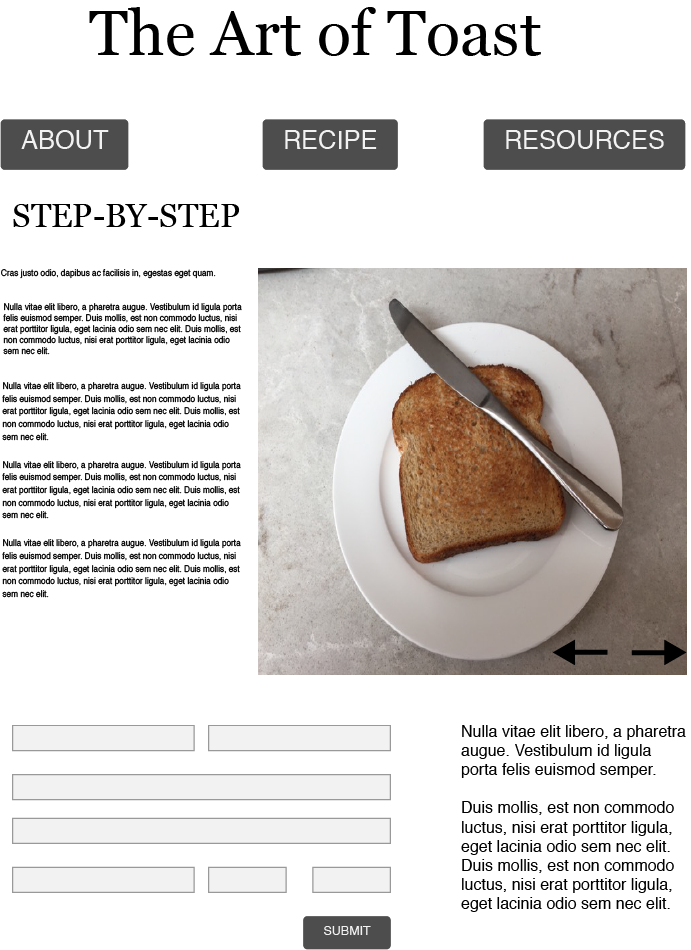
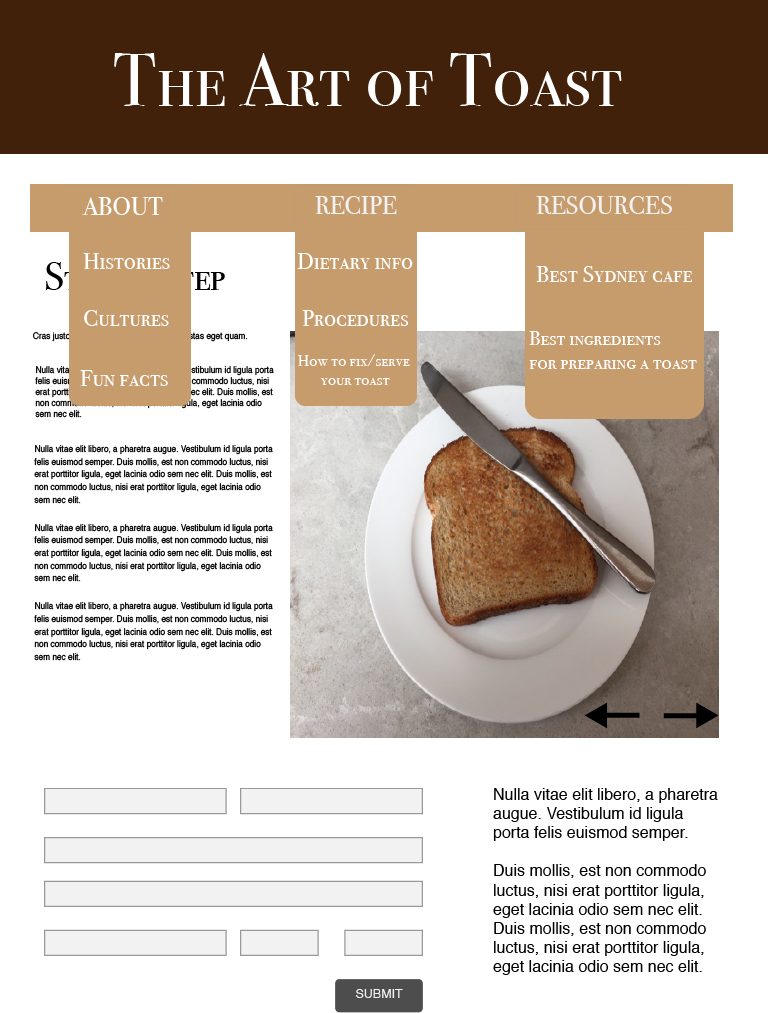
Design patterns are the differentiation of form for design solutions in interactive/interaction design. It was mainly introduced by an architect Christopher Alexander, who argued that pattern language allows the arrangement of the physical environment in relation to effectively solve the problem presented (C.Alexander et al, A Pattern Language, p.xv). His perspective of solving design solutions are defined with questioning:
The examples down below are the design patterns which I thought is very important and essential to interactive/interaction design.
The hamburger menu:

Account registration
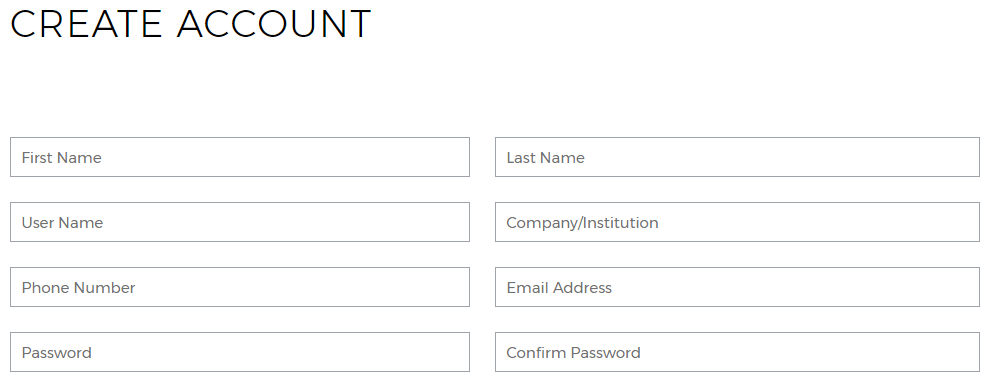
Hero images
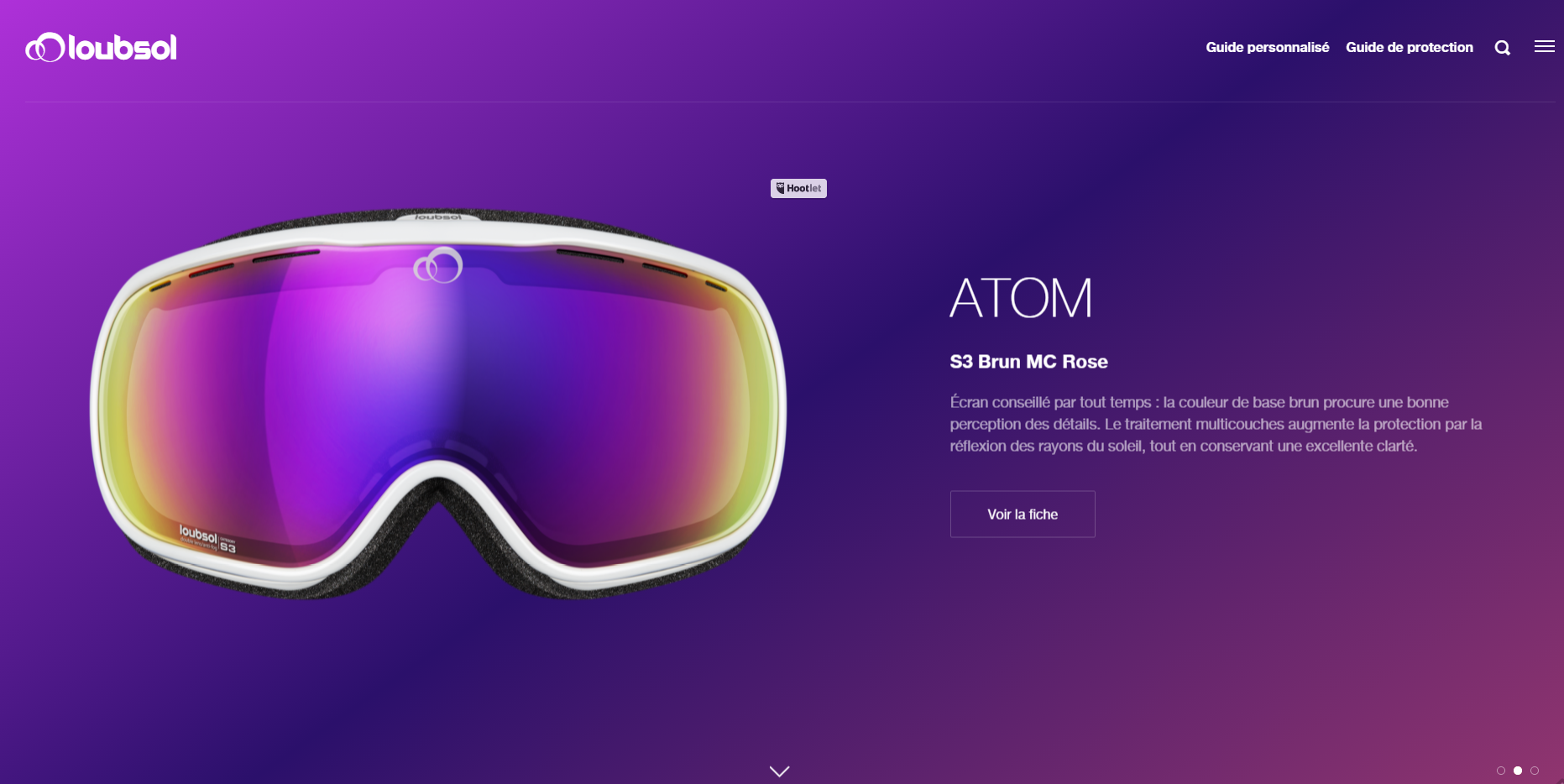
To conclude, it is suggested and clear that these design patterns follow the design trend yearly to support people’s abilities to interact with technologies and interactive products.
Sitemap & UI interface design
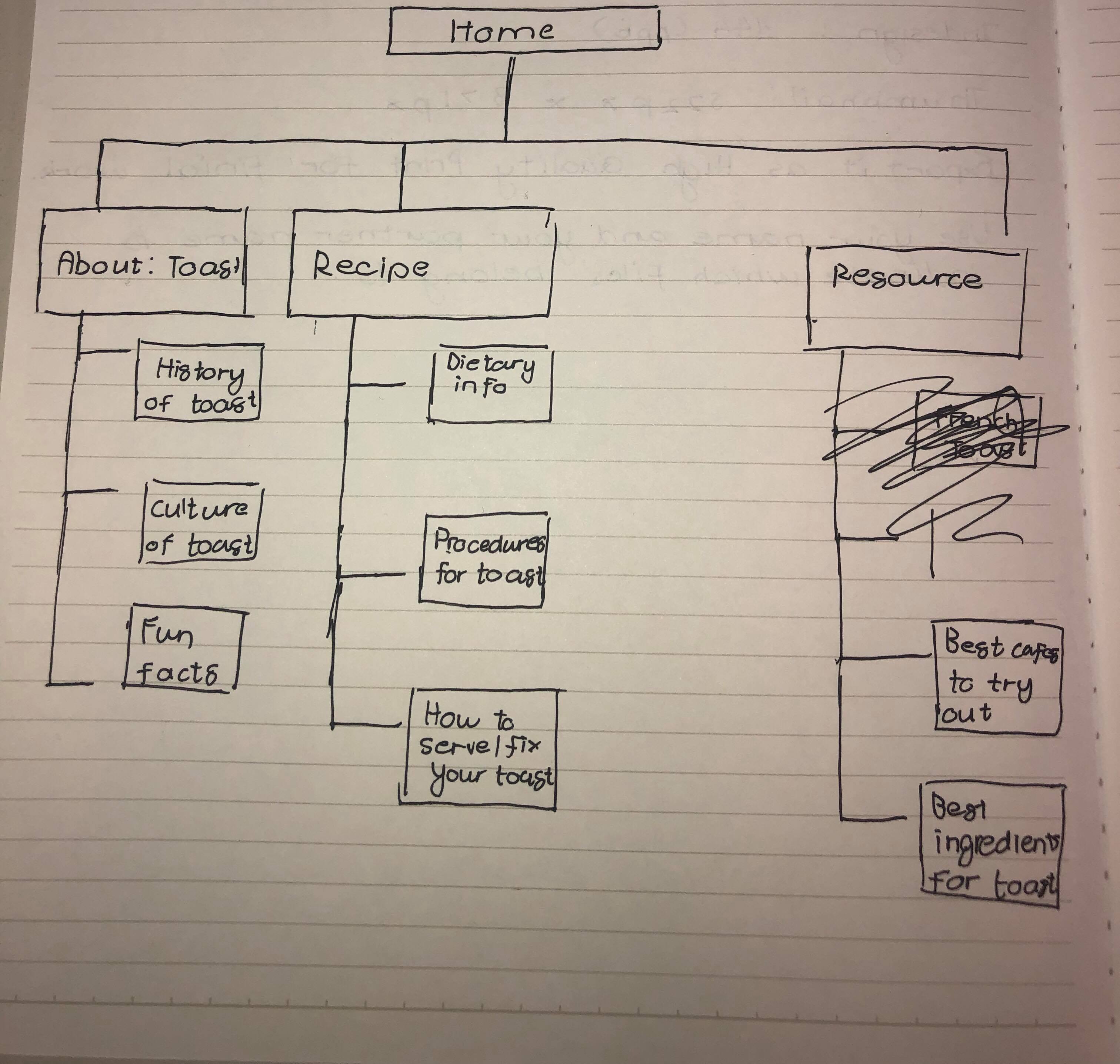
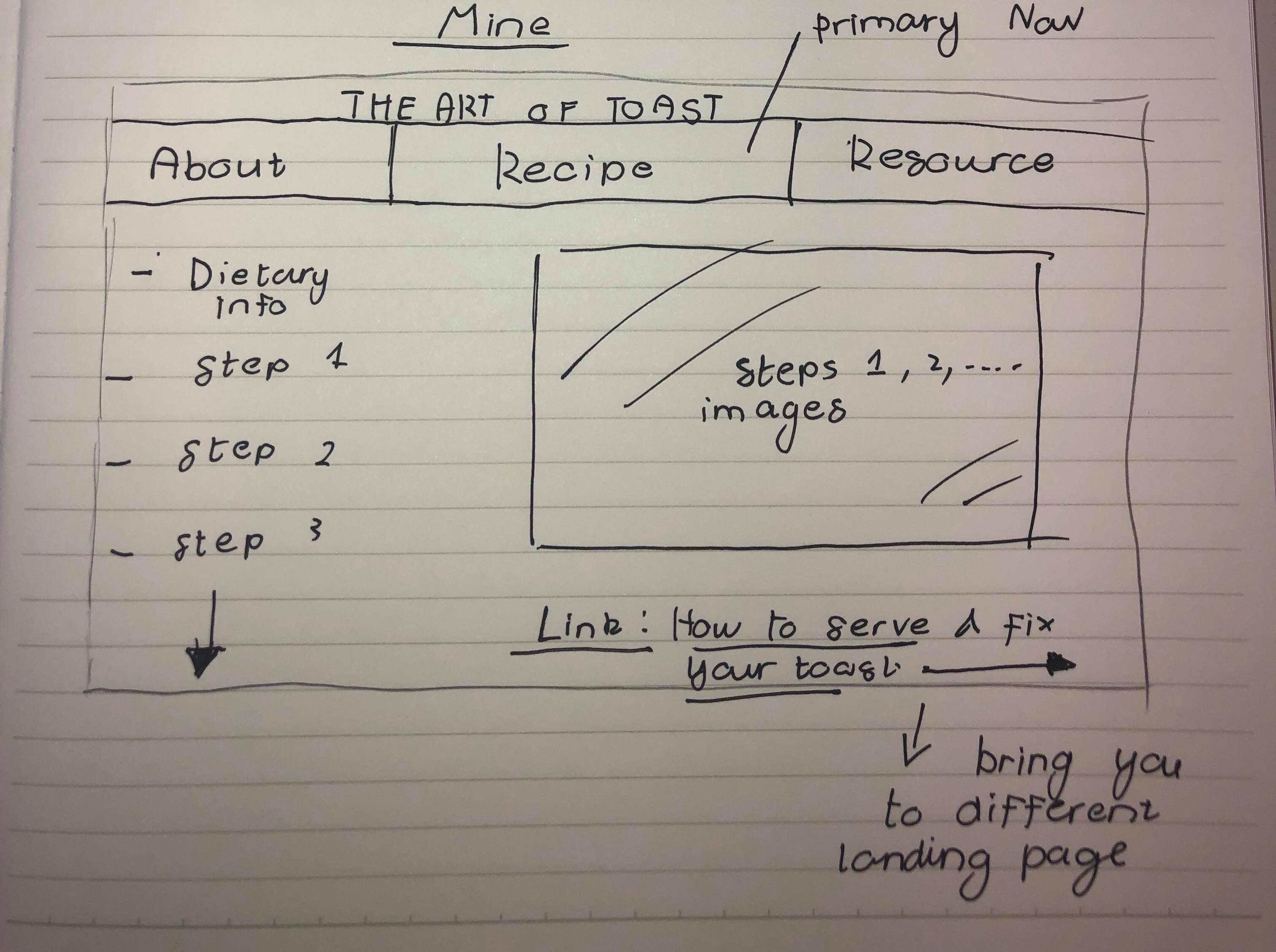
These sketches gave me the insight of how site map and UI interface design works in digital media and its purpose.
 Tracy's Blog