Assessment 2 prototype ideas
Down below are my documentation for my interactive project.
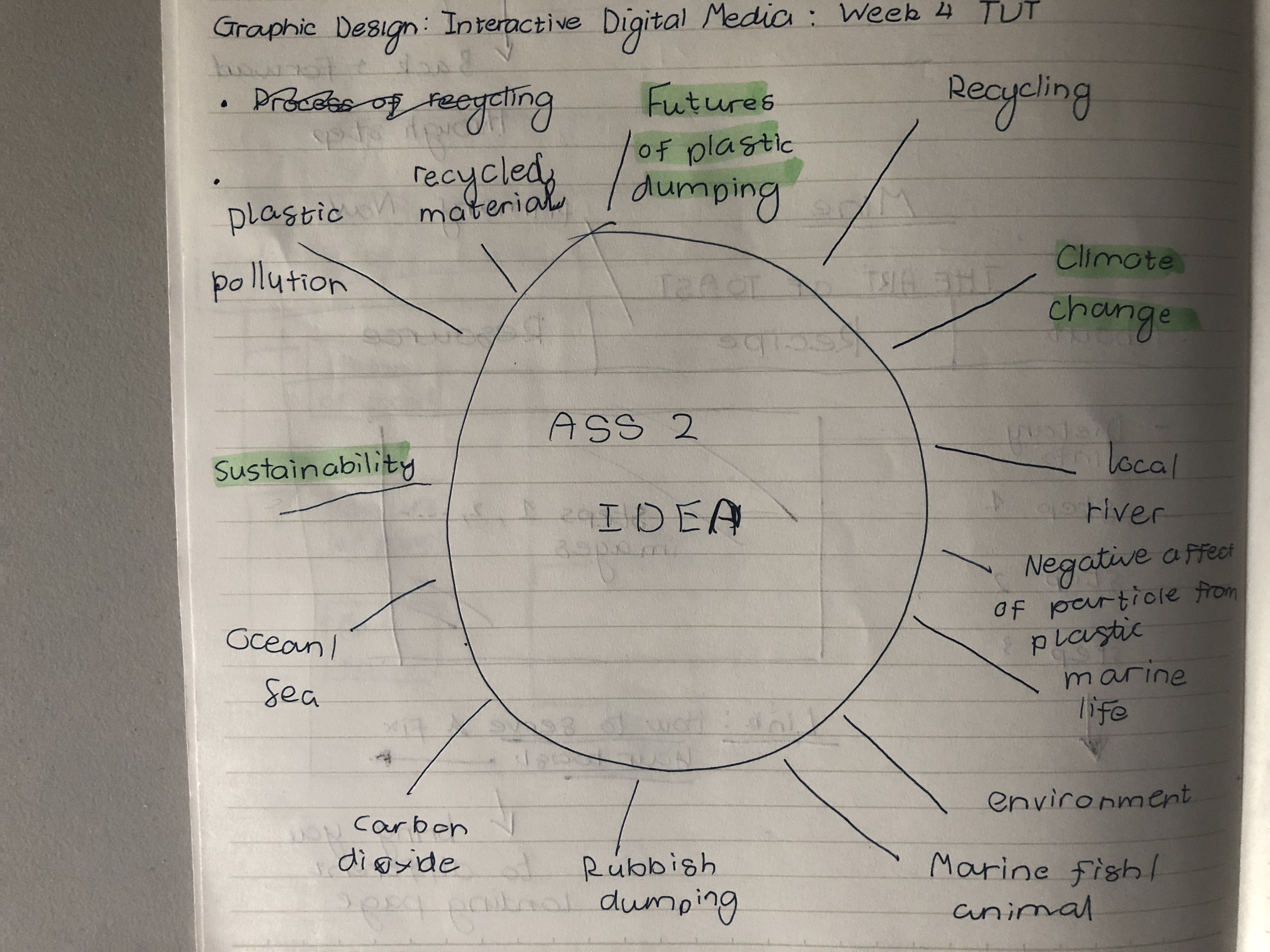
Mind map
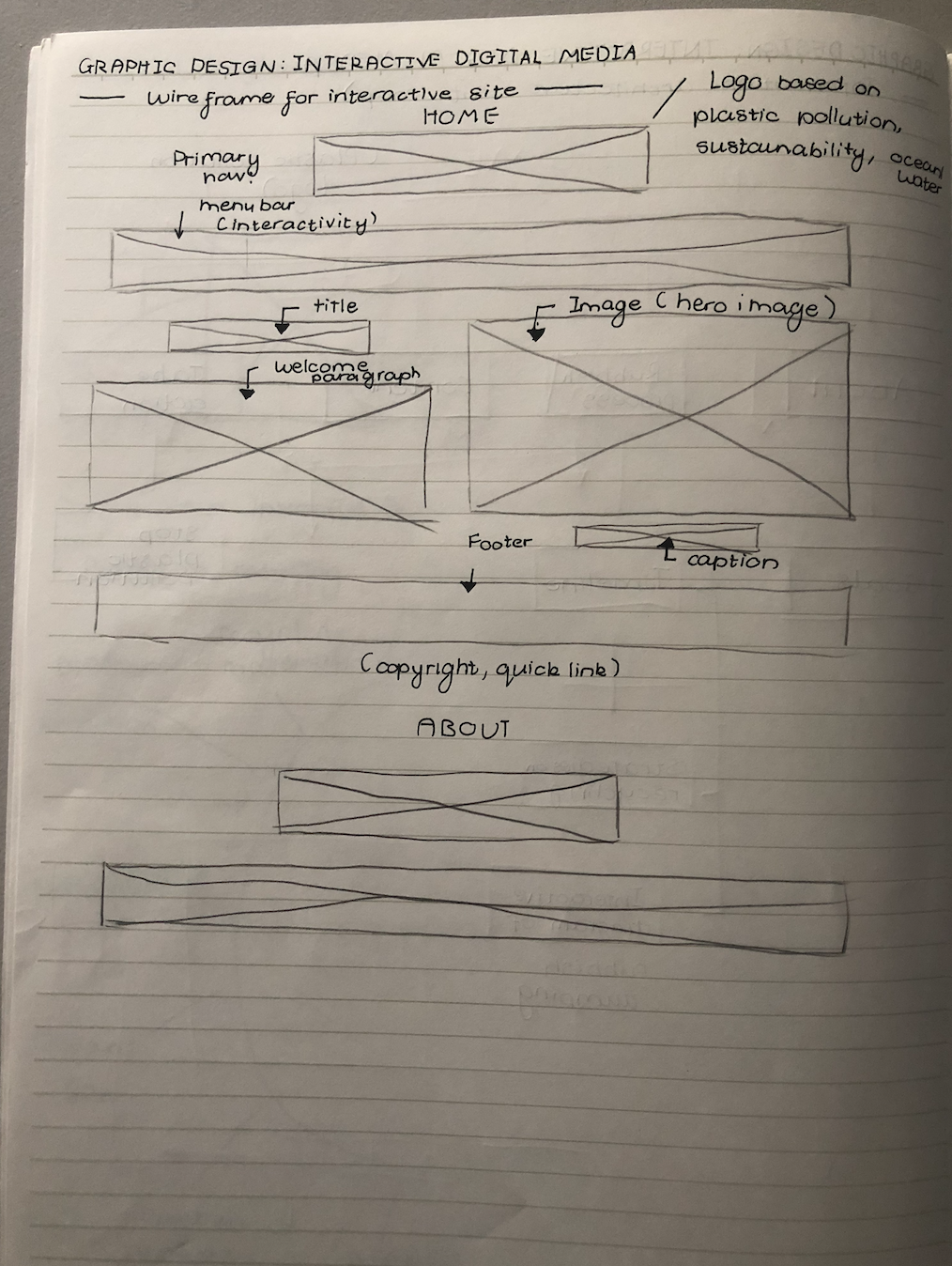
Rough wireframe sketch
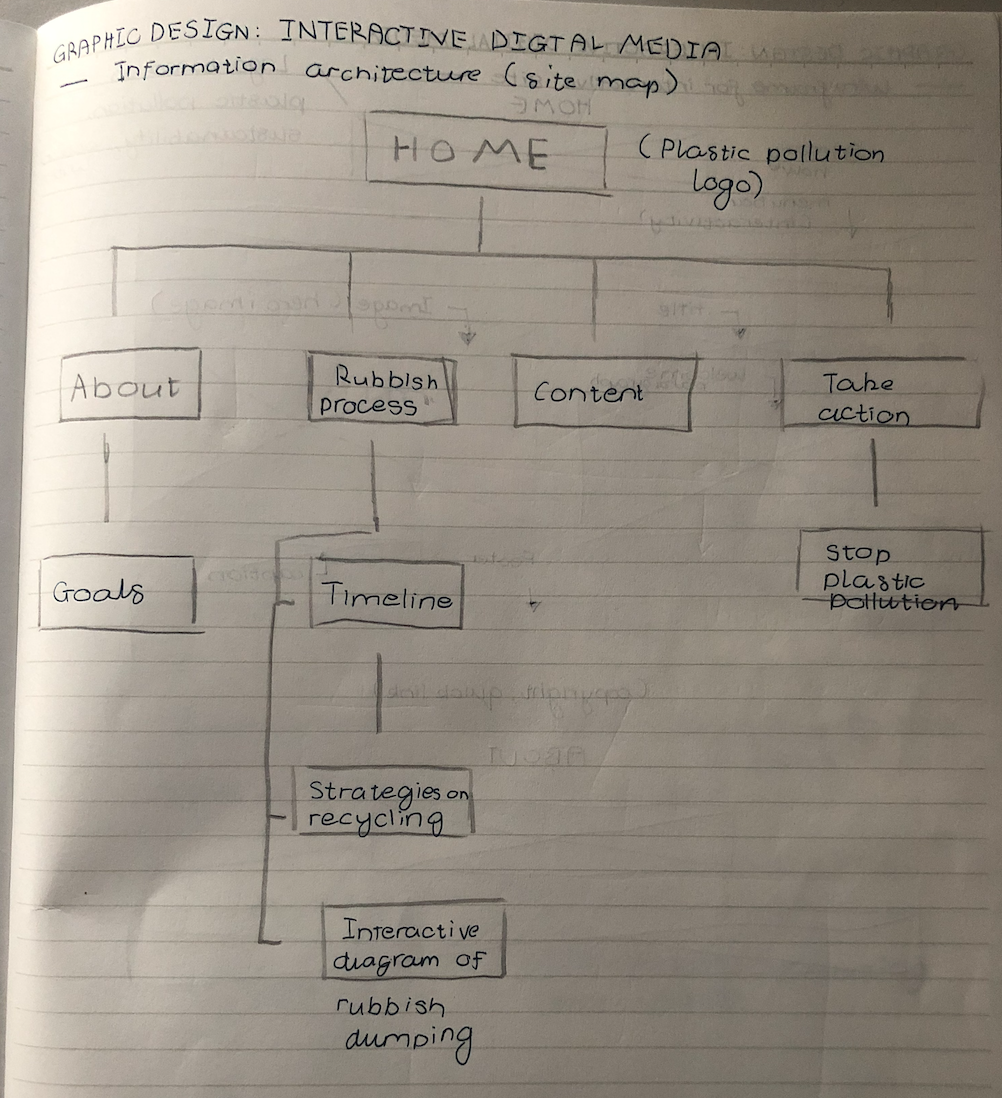
Information architecture site
Down below are my documentation for my interactive project.
Mind map
Rough wireframe sketch
Information architecture site
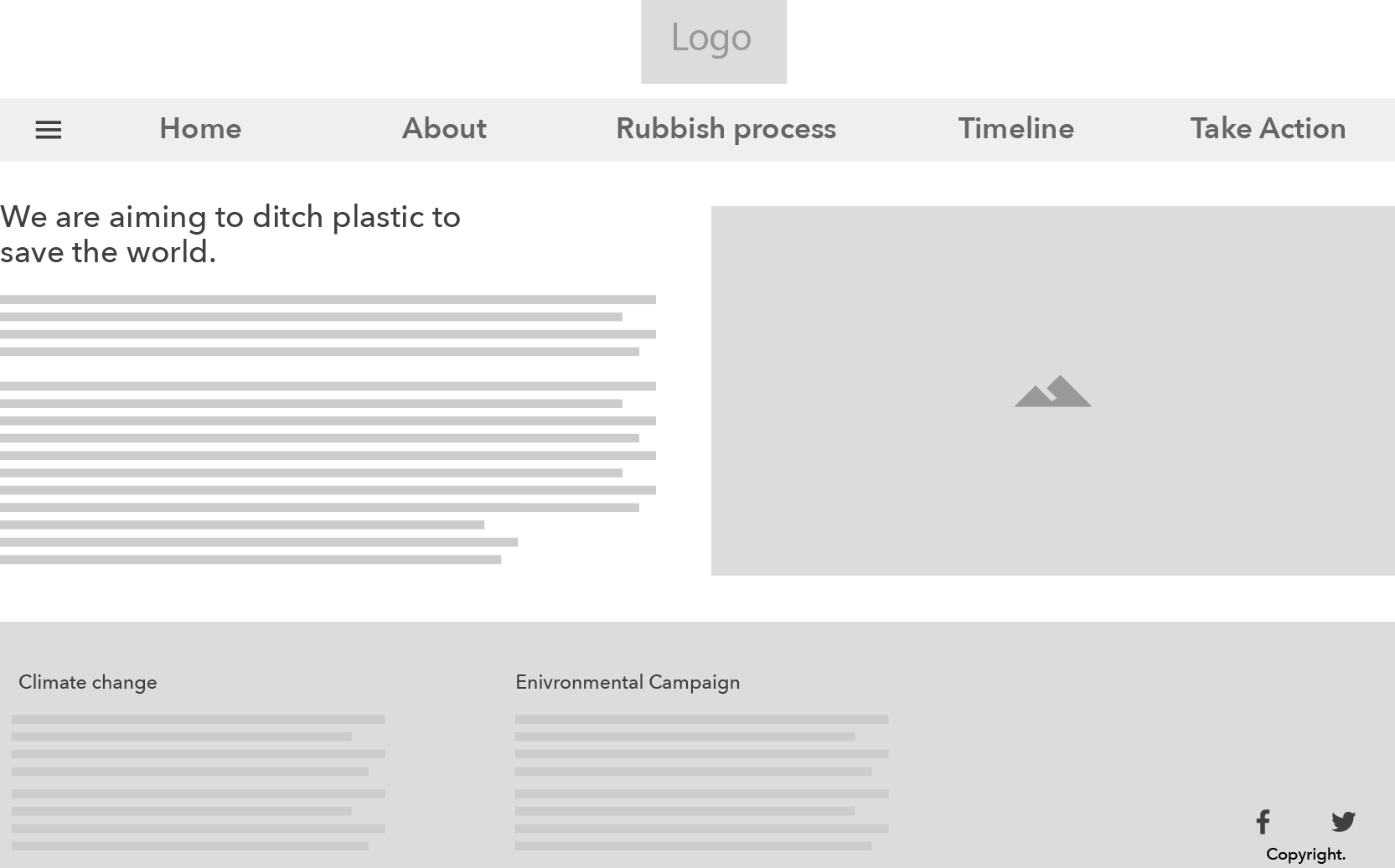
Task: Create 1 UI screen design with 3 alternative layouts
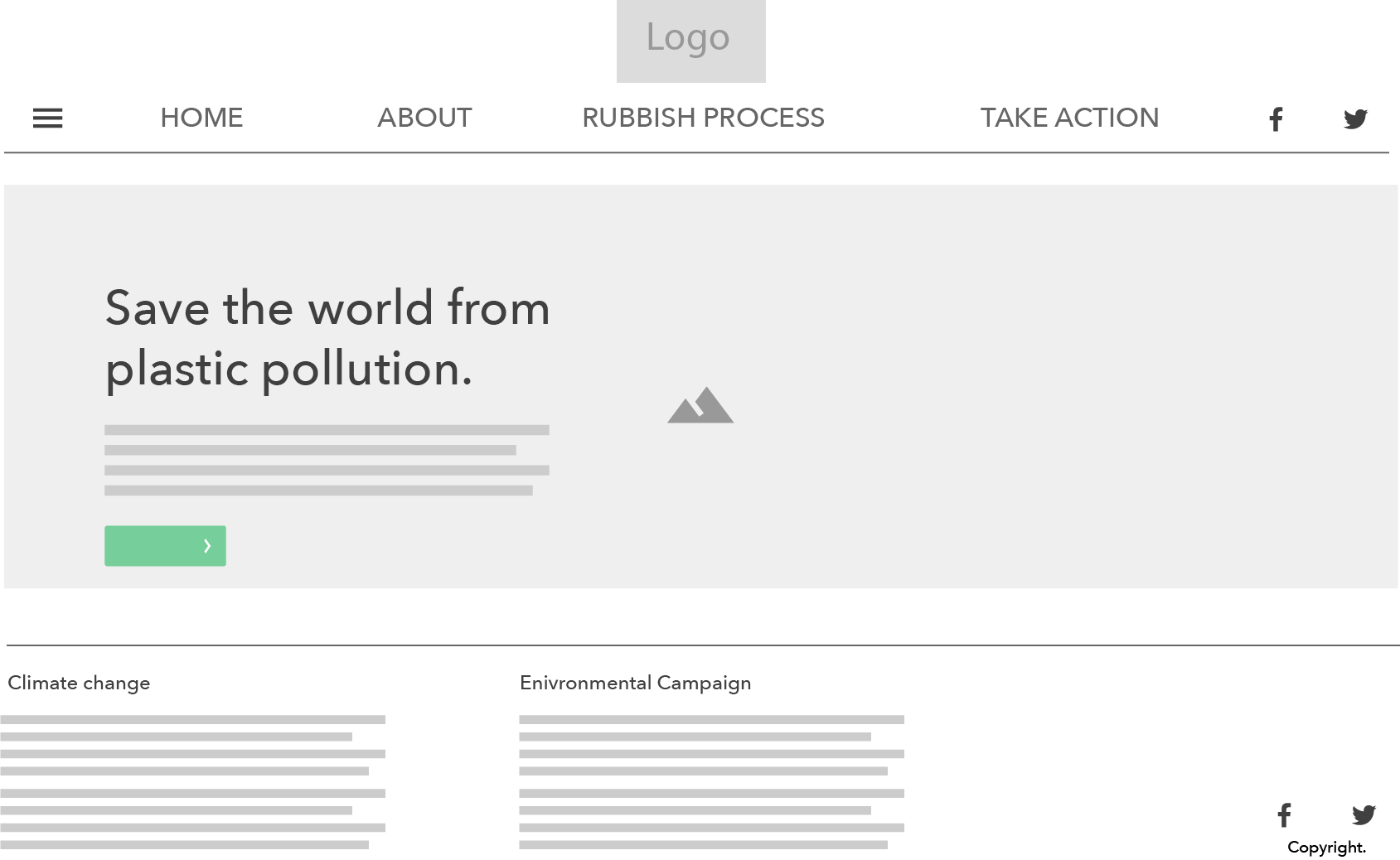
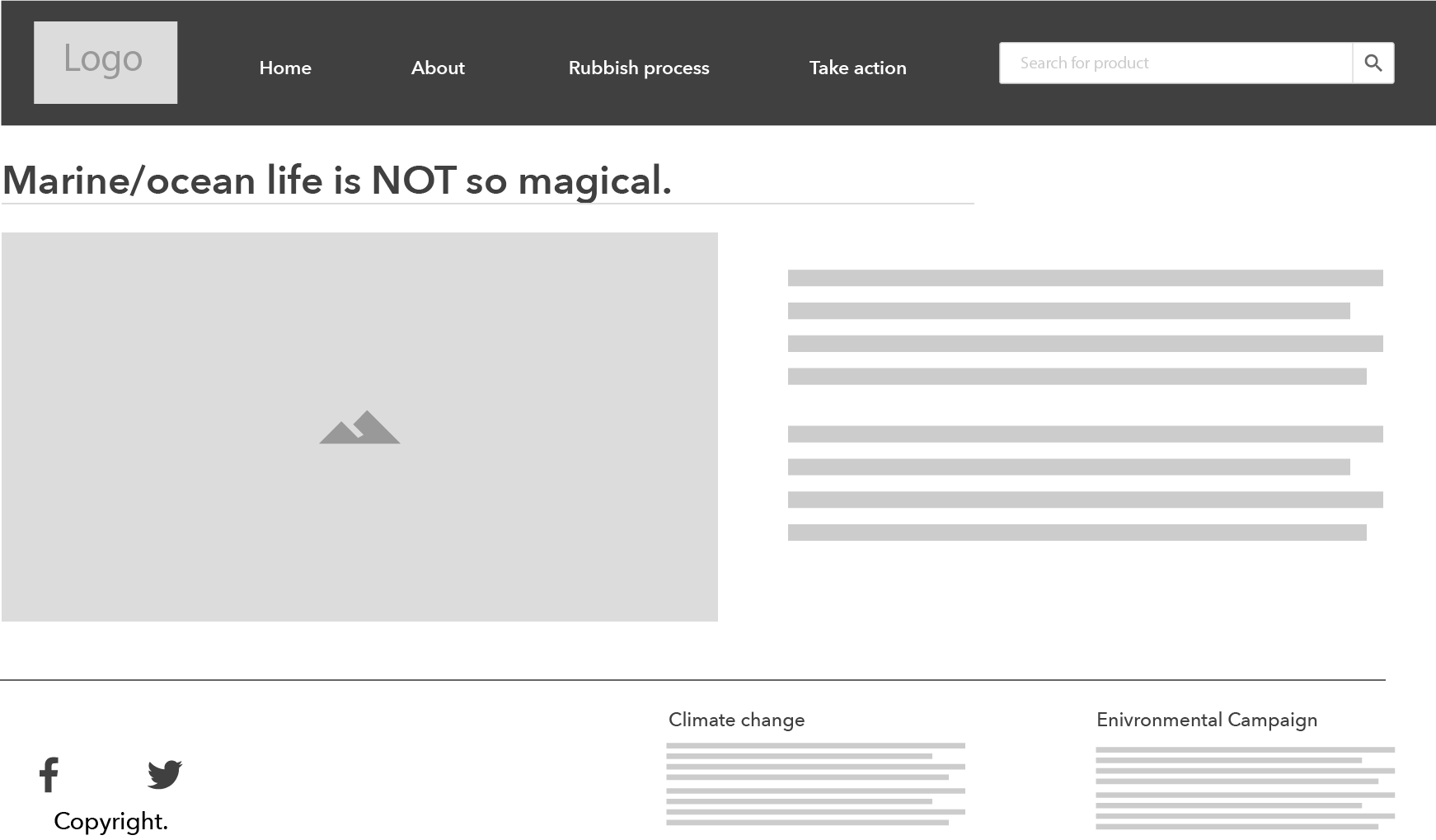
Down below are my three layouts for my interactive website that addresses the cause and effect of marine plastic pollution toward the world and tied to the future event of climate change.
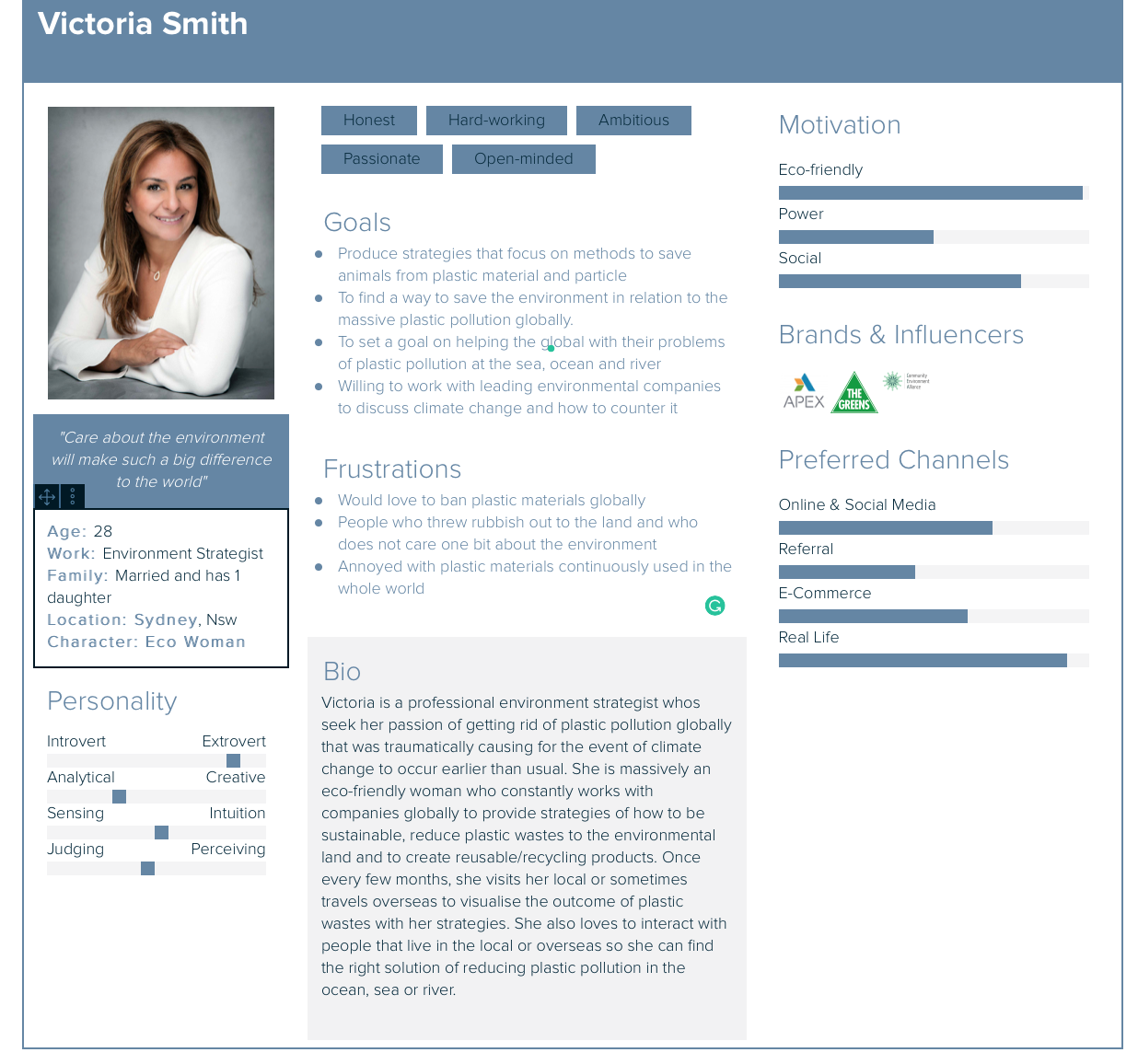
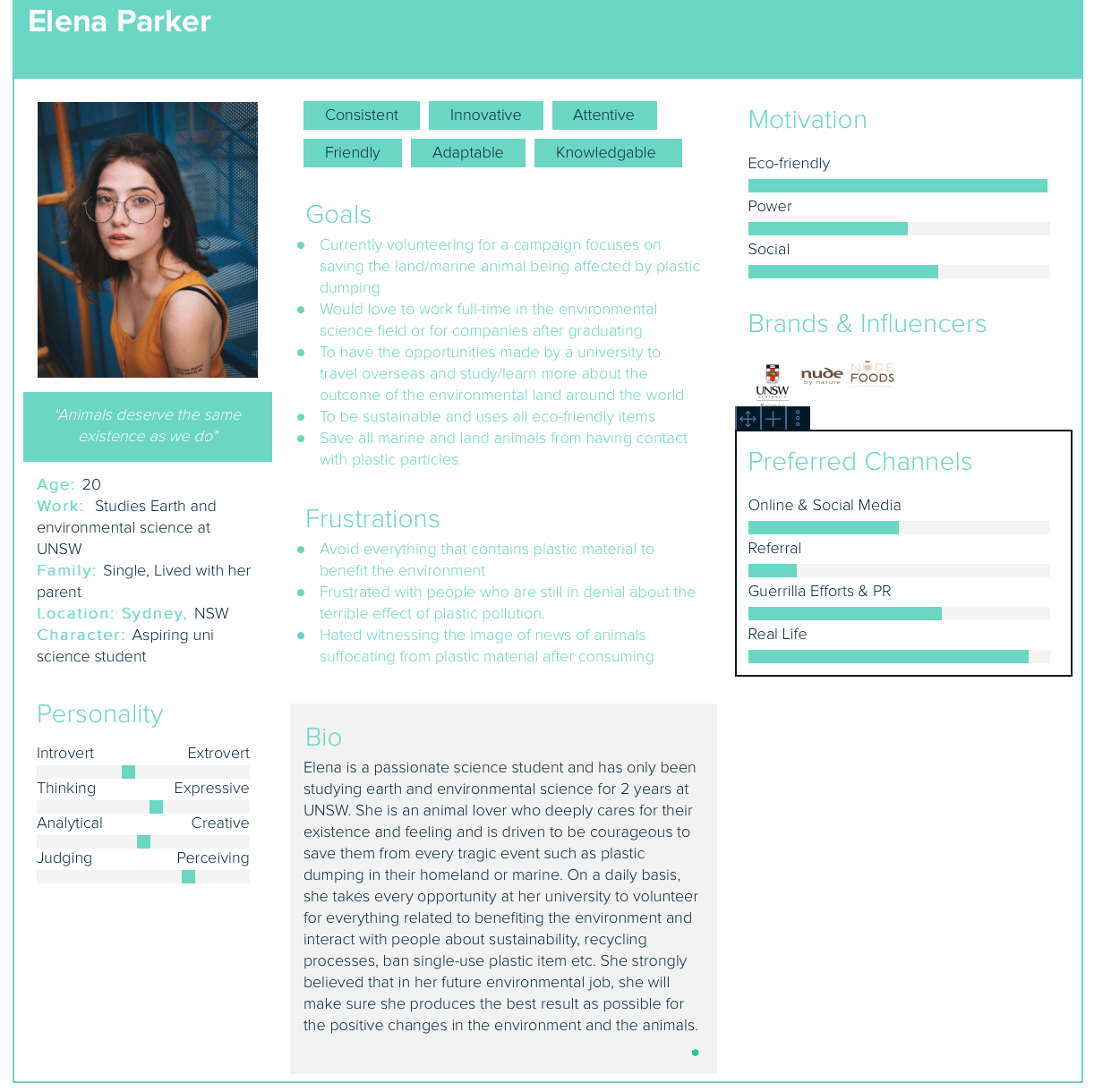
User personas is the representative of your users that is vital to developing a interactive product. They will help you to describe the audiences who use your product and enable you to efficiently identify and communicate their needs.
The most important aspect of user personas
Before creating your own personas for your interactive products, it is crucial that you fully understand your target audience. The essential of creating your own personas is to identify:
To further expand the understanding and insight of your interactive products, it is useful to question the users based on:
Further questioning your users will give you more insight into how they approach your products so you can design a better experience to give them what they need.
It is a design process that involves learning and knowledge to develop and design an interactive product. Instructional design is created in many elements- words/language, graphic images and photography.
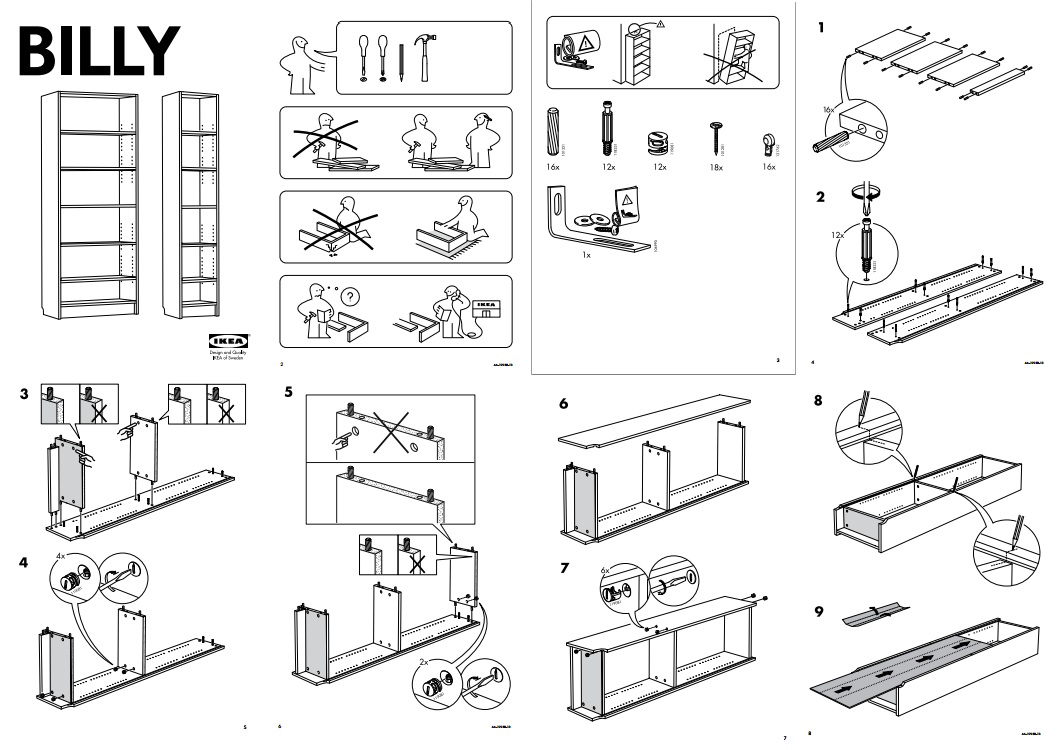
Example of visual introduction
A simple, visual images that are word/language free for furniture or other designer products so the process runs smoothly.
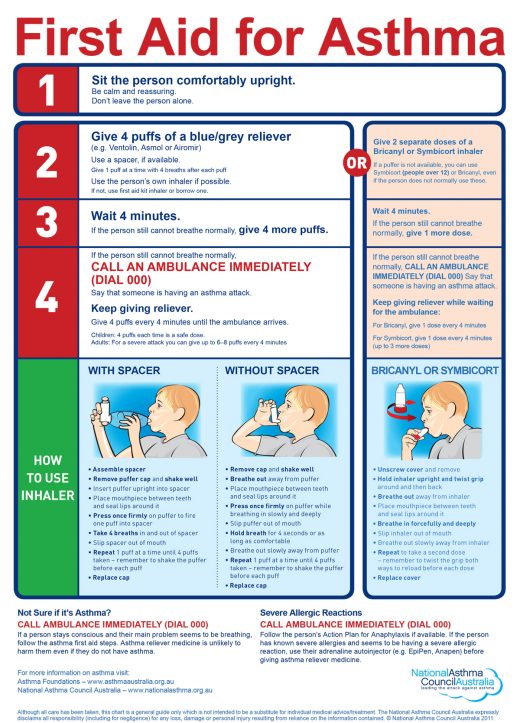
Health departments (clinics and hospitals)
In many health departments, it is critical that designers/researchers produce graphic images and brief word introduction with a long process of researching. Colour, layout, graphics and typography is still very important for readability and special needs such as impaired people who have poor eyesight. For example, the colour red at the top indicates the critical steps of reliving a person who shows the first sign of asthma. Therefore for green at the bottom, it shows the detailed introduction of how to use the inhaler without needing emergency help.
Wireframes, UI design and visual design overview
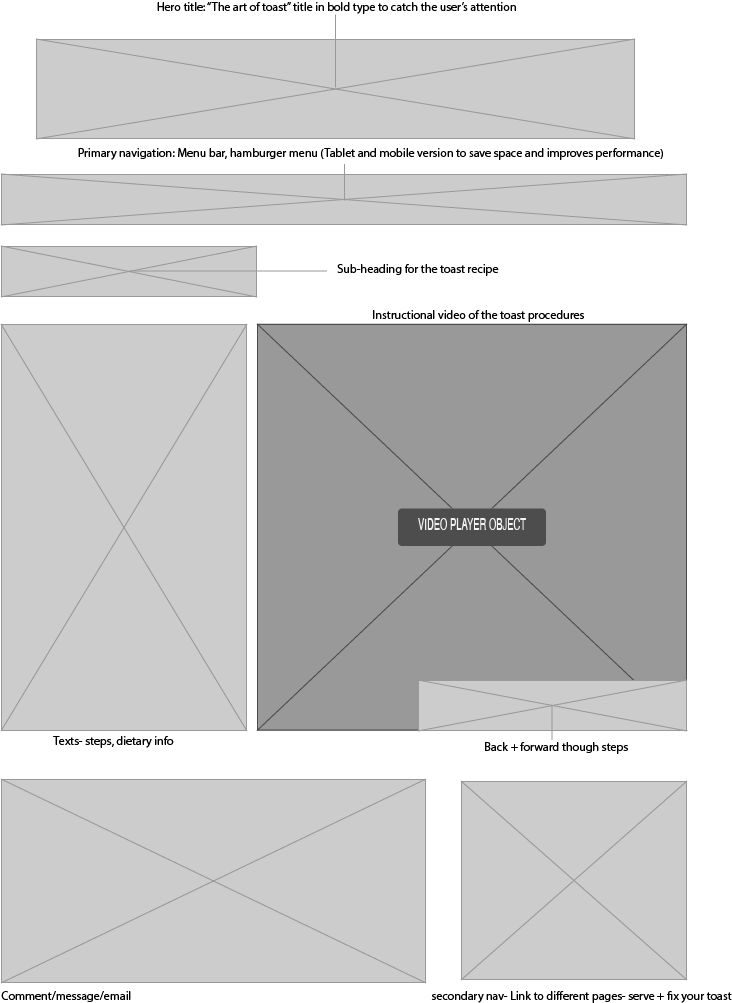
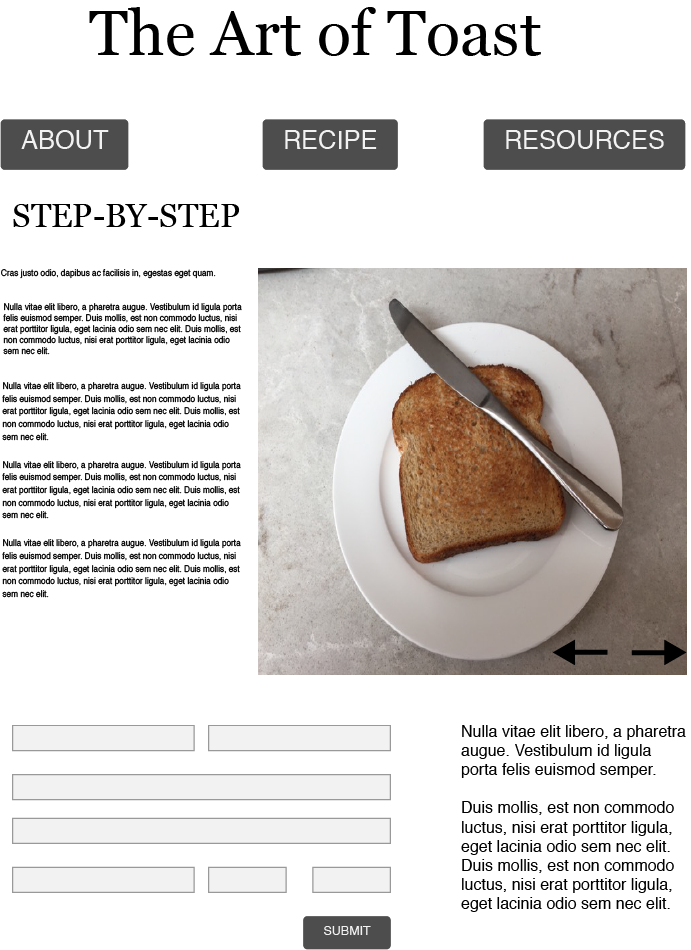
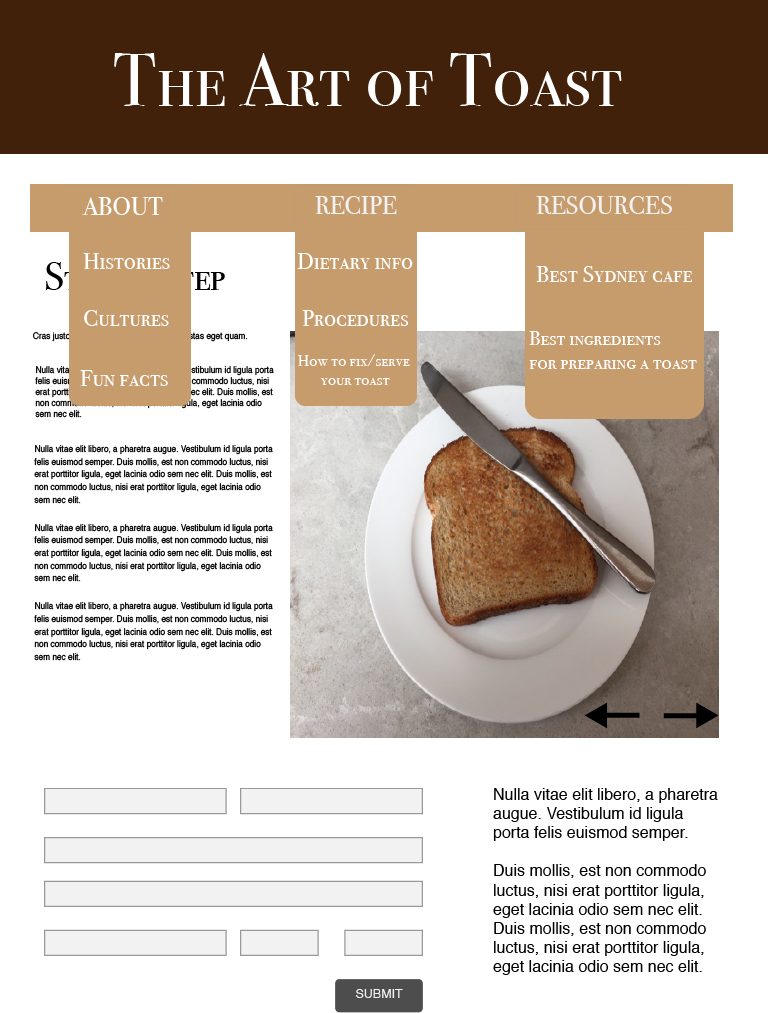
Design patterns are the differentiation of form for design solutions in interactive/interaction design. It was mainly introduced by an architect Christopher Alexander, who argued that pattern language allows the arrangement of the physical environment in relation to effectively solve the problem presented (C.Alexander et al, A Pattern Language, p.xv). His perspective of solving design solutions are defined with questioning:
The examples down below are the design patterns which I thought is very important and essential to interactive/interaction design.
The hamburger menu:

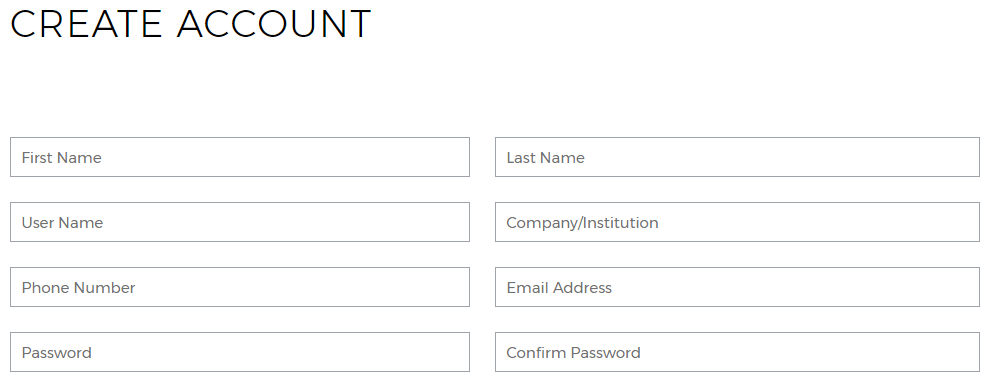
Account registration
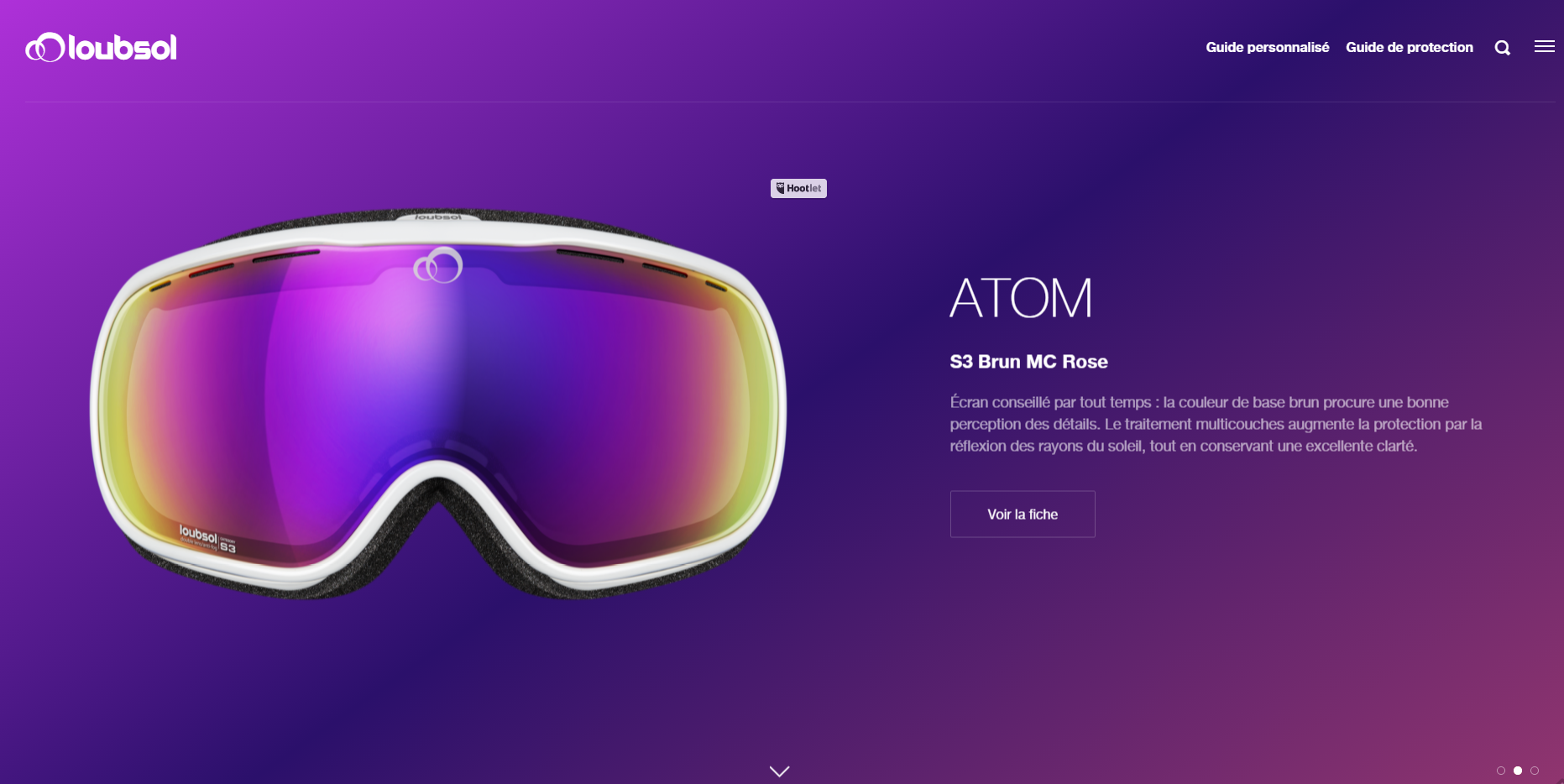
Hero images
To conclude, it is suggested and clear that these design patterns follow the design trend yearly to support people’s abilities to interact with technologies and interactive products.
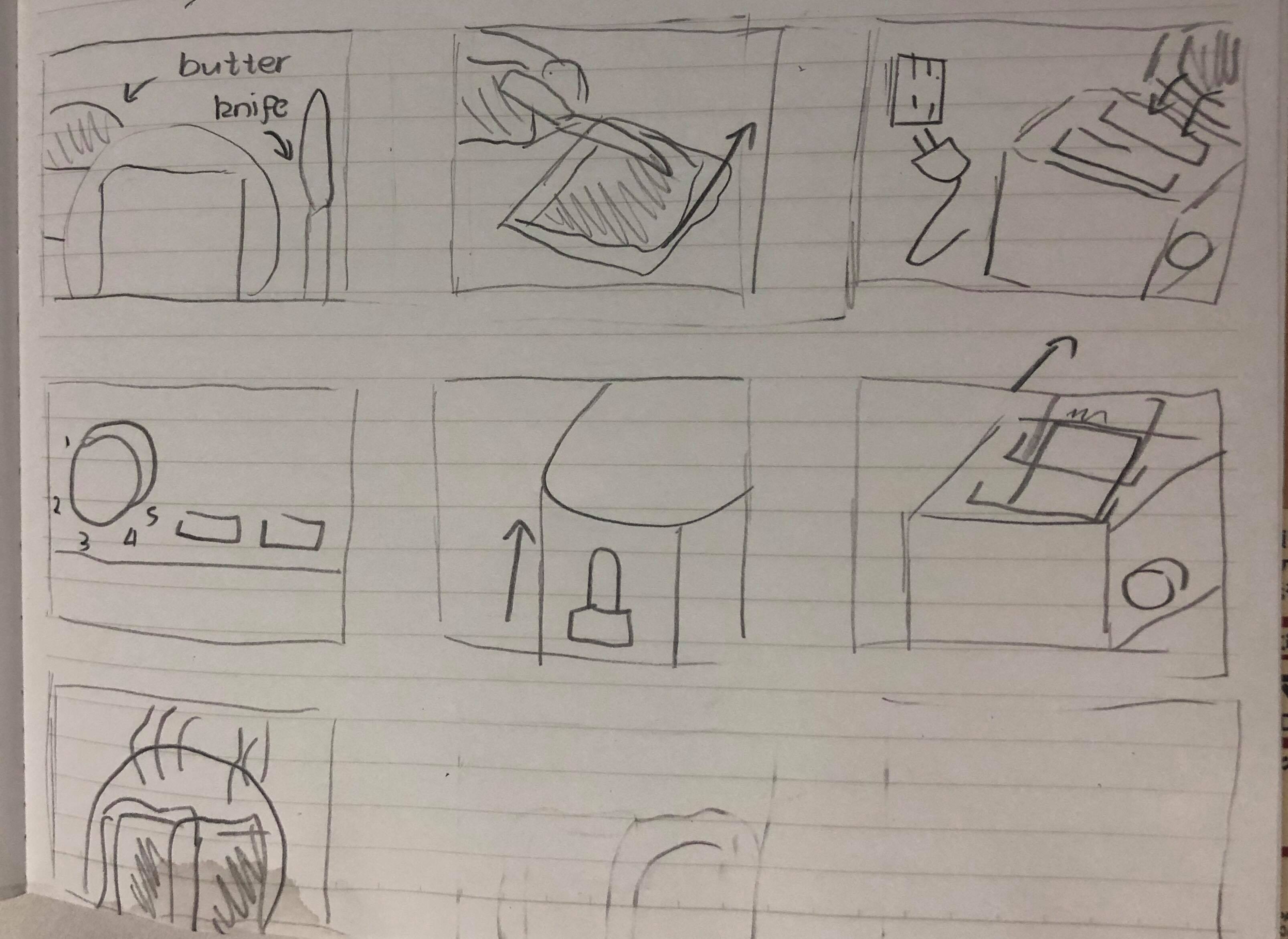
How to prepare a toast
 Tracy's Blog